
Message only opted-in contacts
People should have asked to hear from you. Unsolicited bulk messaging is the main reason numbers get reported and restricted.
Safety guide
Practical rules for bulk messaging: opt-in lists, pacing, duplicate checks and what to avoid. No tool can guarantee your number will never be restricted, so these habits matter.
Safety guide
People should have asked to hear from you. Unsolicited bulk messaging is the main reason numbers get reported and restricted.
Spread messages over time with random delays instead of sending hundreds at once.
Sending the same message twice to one person looks like spam. Use duplicate checks.
Use the name and a relevant detail. Identical text sent to many people is easy to flag.
Honor stop requests immediately and keep a do-not-message list.
Warm up a number with smaller batches and watch for replies and blocks.
Import a CSV of contacts who opted in.
Preview personalization for sample recipients.
Let delays run and review the report.
Built-in guards
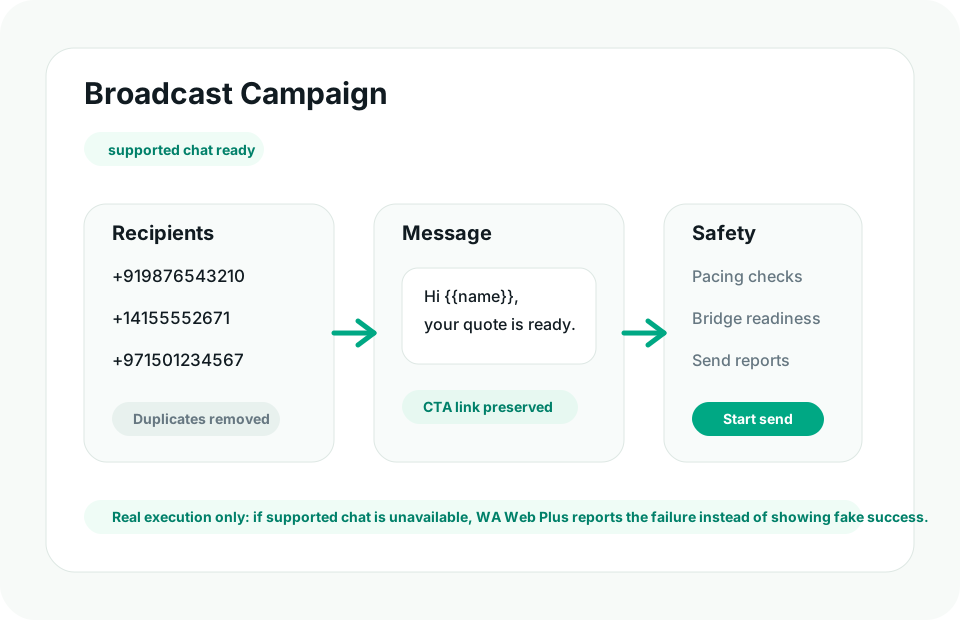
WA Web Utils includes pacing, duplicate checks, readiness checks and delivery reports for legitimate customer communication. You stay responsible for consent and for following the chat service terms.
Ready
Install WA Web Utils and run readiness checks first.