
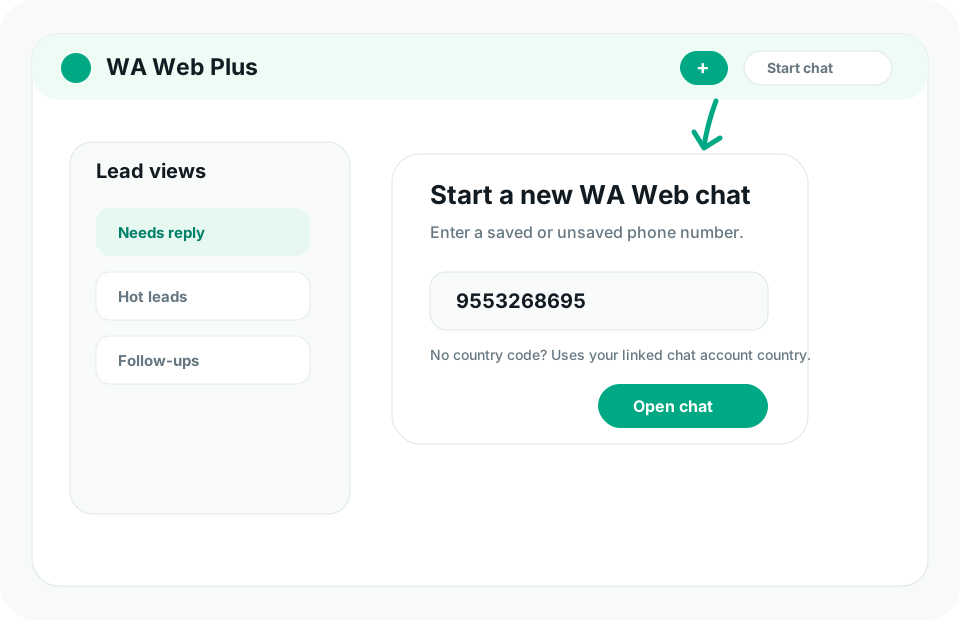
Lead views
Keep hot conversations, missed replies, and follow-up lists easier to scan.
WA Web CRM
WA Web Utils helps sales teams organize lead notes, tags, follow-up reminders, templates, scheduled replies, exports, and account context without jumping between tools.
Workflow
Keep the structure close to the conversation instead of forcing every rep into a separate system first.
Keep hot conversations, missed replies, and follow-up lists easier to scan.
Add context around buyers, support requests, stages, owner buckets, and next actions.
Reply faster with reusable responses for pricing, demos, onboarding, and status updates.
Plan the next WA Web follow-up while the conversation is still fresh.
Keep customer signals visible while working inside the WA Web workspace.
Workspace data is designed to stay in the browser unless exported by the user.
Start with chats that need a reply, not the full chronological feed.
Use tags, notes, templates, and reminders before the chat disappears again.
Set the next message or reminder while the customer intent is fresh.
Guide
WA Web Utils is useful for founders, consultants, tutors, agencies, service teams, real-estate operators, and sales reps who need a lighter workflow than a full CRM migration.
FAQ
It adds practical CRM workflows around the WA Web workspace, including lead context, notes, tags, templates, follow-up reminders, scheduling, and exports.
It is built for sales, support, admissions, services, and local-business teams that already manage customer conversations from WA Web in Chrome.
Ready
Start with CRM views, templates, reminders, and scheduled follow-ups.