
Chat CRM
Track hot leads, missed replies, tags, notes, owner context, and next actions from the WA Web workspace.
Read CRM guideWA Web CRM extension
WA Web Utils adds a focused sales workspace to WA Web in Chrome, so teams can manage leads, notes, tags, reminders, templates, scheduled messages, broadcasts, and exports from the chat screen they already use.
Use cases
Each workflow has a dedicated guide so buyers and search engines can understand exactly what the extension does.
Track hot leads, missed replies, tags, notes, owner context, and next actions from the WA Web workspace.
Read CRM guideReuse approved replies for pricing, demos, onboarding, support answers, payment reminders, and campaign replies.
Read template guideSchedule follow-ups and timed messages so warm leads and customer commitments do not disappear in the chat feed.
Read scheduler guidePrepare campaign workflows with templates, pacing, readiness checks, duplicate review, and visible send status.
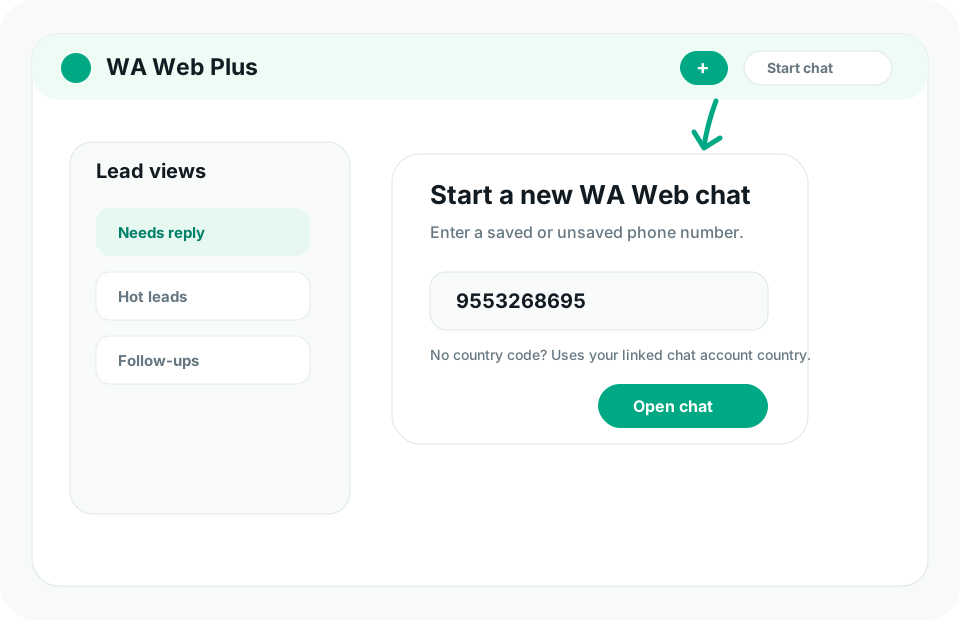
Read bulk guideStart conversations with new lead numbers from forms, sheets, ads, websites, and CRM exports without saving every contact first.
Read new-number guideReview locally captured deleted-message records from Settings when the feature is enabled and authorized for your workflow.
Read history guideUse the public WA Web Utils listing and open WA Web in Chrome.
Prioritize conversations by reply need, sales stage, tag, reminder, or campaign state.
Move records to spreadsheets or CRM import workflows only when your team needs a handoff.
Positioning
The extension is designed for operators who already sell, support, recruit, teach, or coordinate from WA Web and need better follow-up discipline without moving every conversation into a heavy CRM first.
FAQ
No. WA Web Utils is an independent Chrome extension and is not affiliated with Meta products.
It is best used as a lightweight operating layer for chat-first teams. Use exports when you need spreadsheet reporting, backup, or CRM import preparation.
Start with lead views and reminders, then add templates, scheduling, and campaign preparation once daily follow-up is organized.
Install
Install the extension, open WA Web in Chrome, and start with lead views, templates, reminders, and scheduled follow-ups.